
You guys… we’re STILL enjoying free books from Imagination Library. I can’t say enough good things about this awesome program. If you missed my post a few years ago about how you can get a free book every month for your child until they reach age 5, take a look here!
In fact, our oldest child has received so many books I had to get creative with some book storage solutions 

Ikea FTW! Ikea spice racks make excellent bookshelves and take up very little space. You can find them at Ikea or if you’re like me and just can’t Ikea right now, Amazon is always there for you. It’s always there for me. We’re besties.
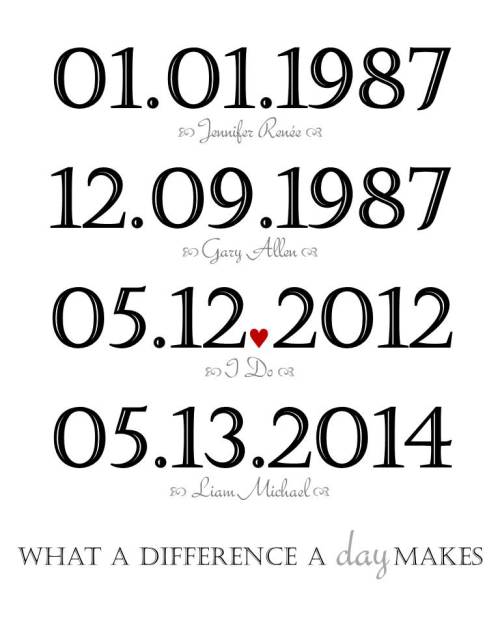
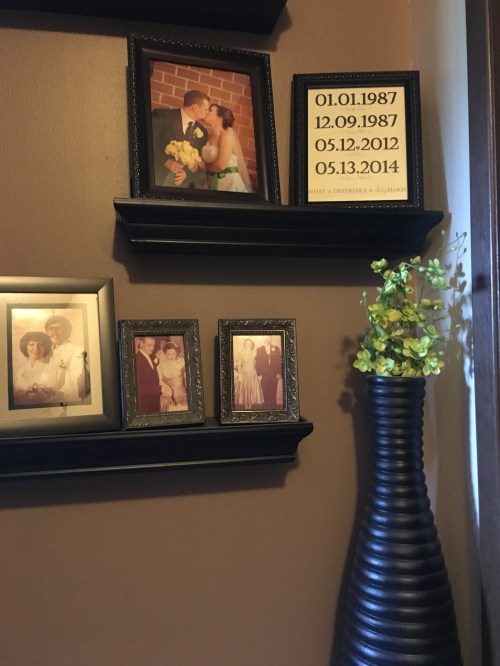
 I always see pins on Pinterest about the “What a Difference a Day Makes” DIY. After much delay, I actually attempted my own version. I figured there HAD to be a template somewhere, right? I mean, as much as I see this darn thing repinned someone had to post their template, but alas… no template was found. I did however find a template for a Microsoft Project, um… project (yeah, that sounds odd to me as well…), but the normal, average, person doesn’t have Project (or maybe that’s just me). I took matters into my own hands and decided I would make my own template in PowerPoint. After about 15 minutes (yeah, a miracle happened… FIFTEEN MINUTES), I was able to make a template I was pretty proud of.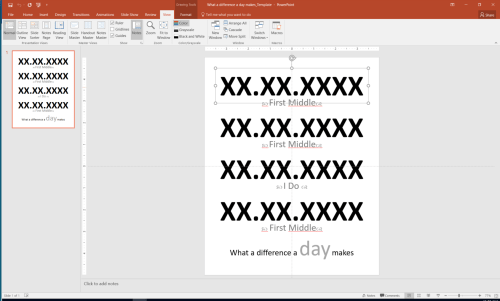
 The Engineered Mama